
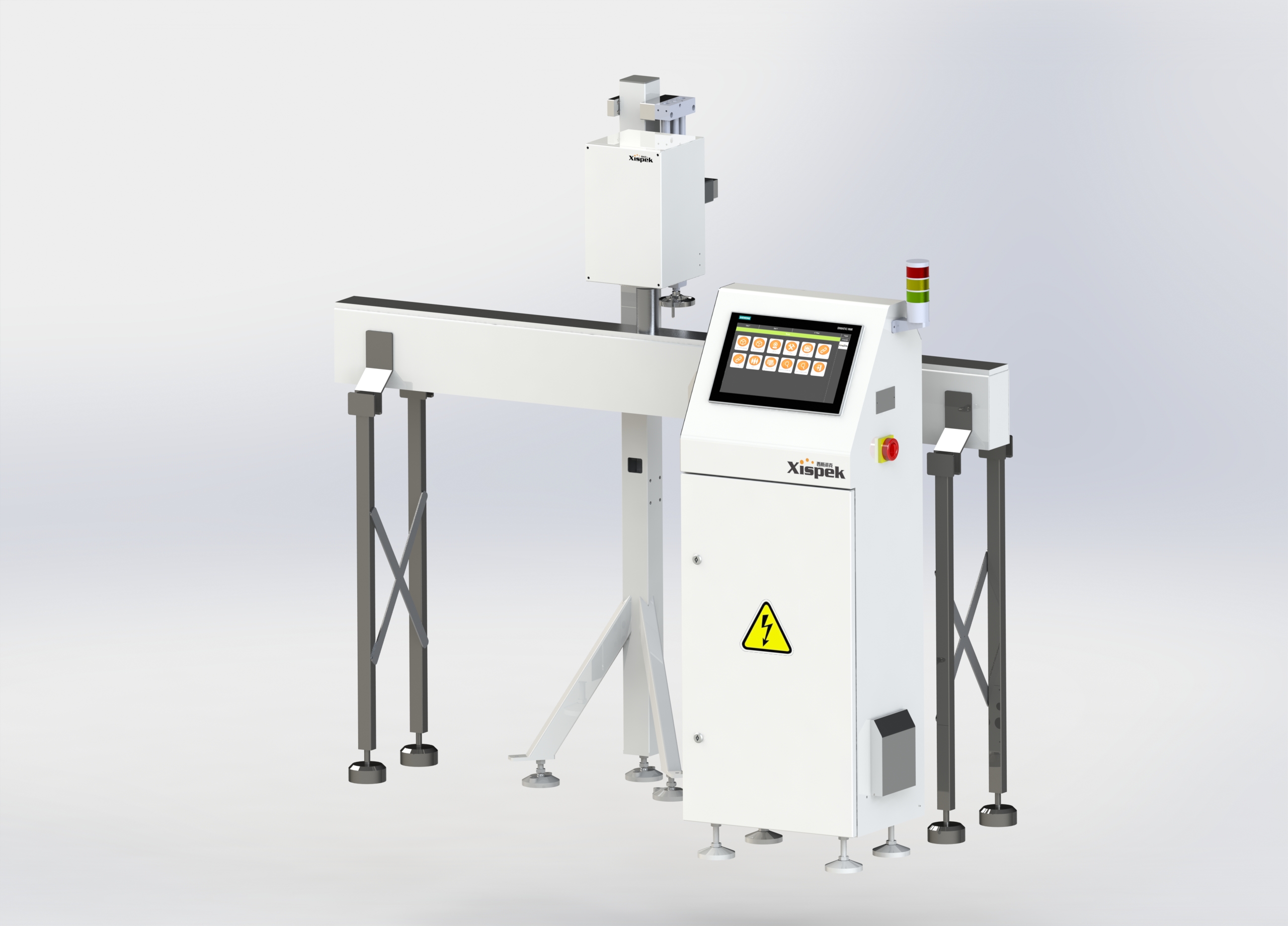
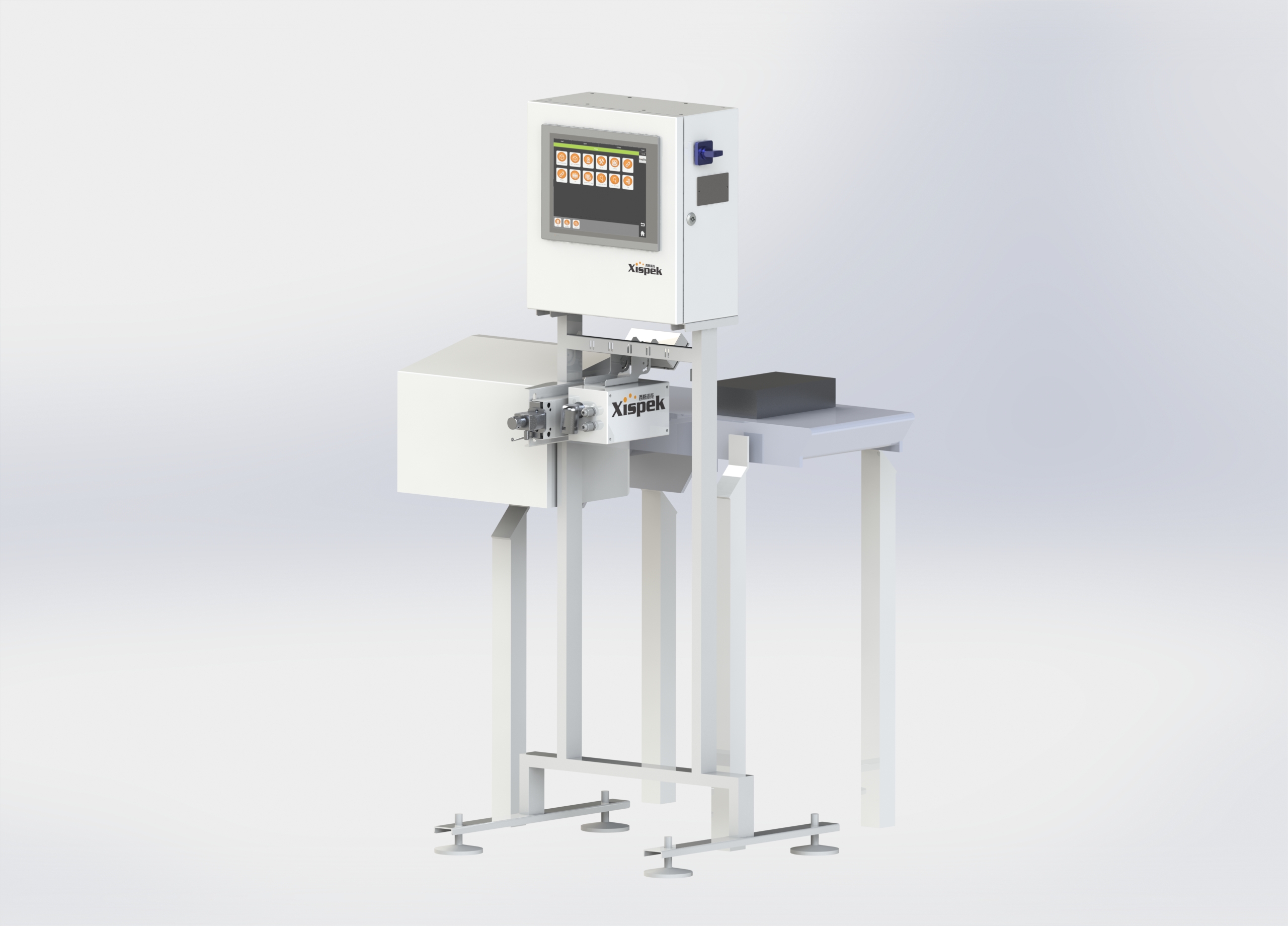
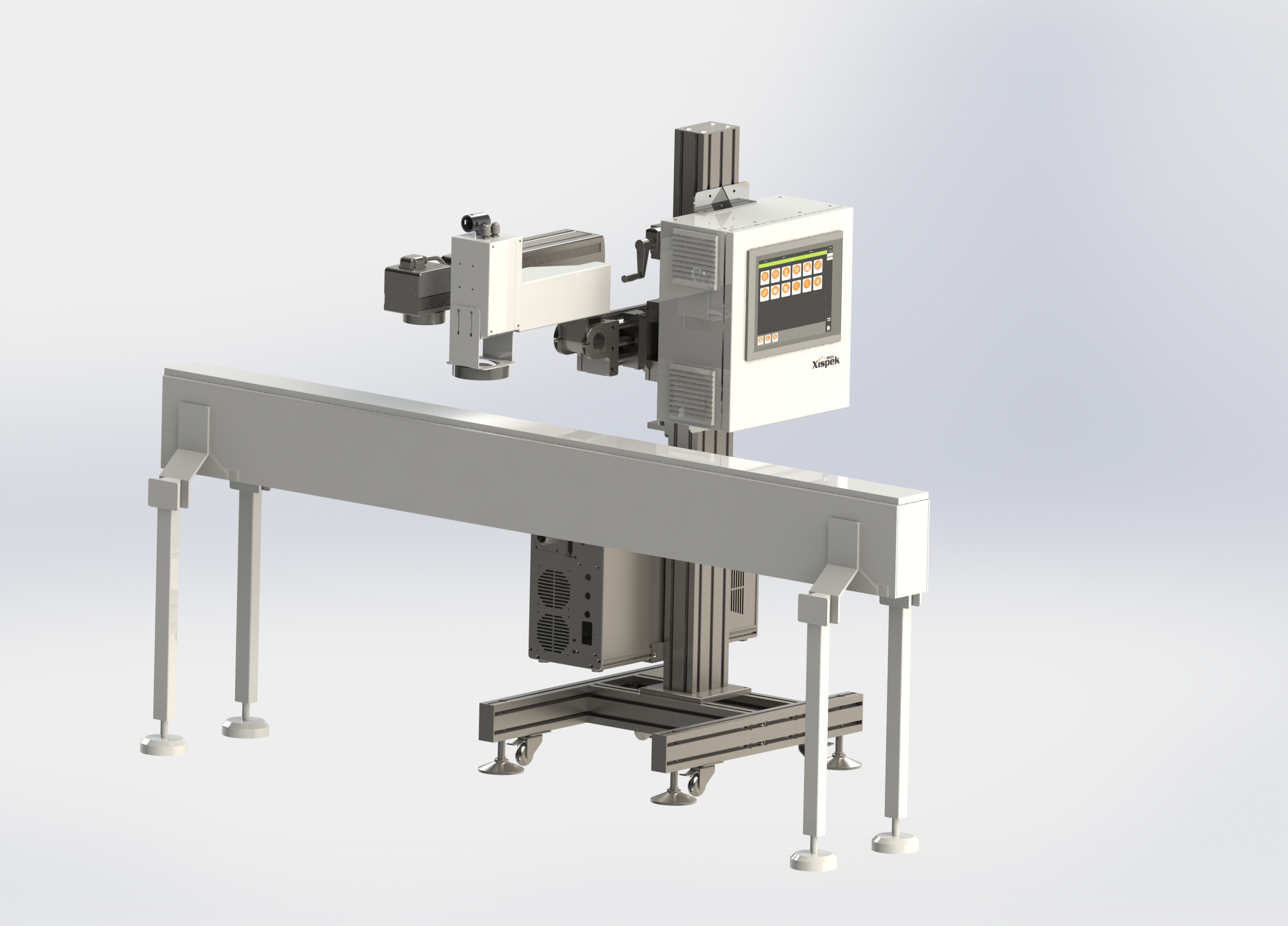
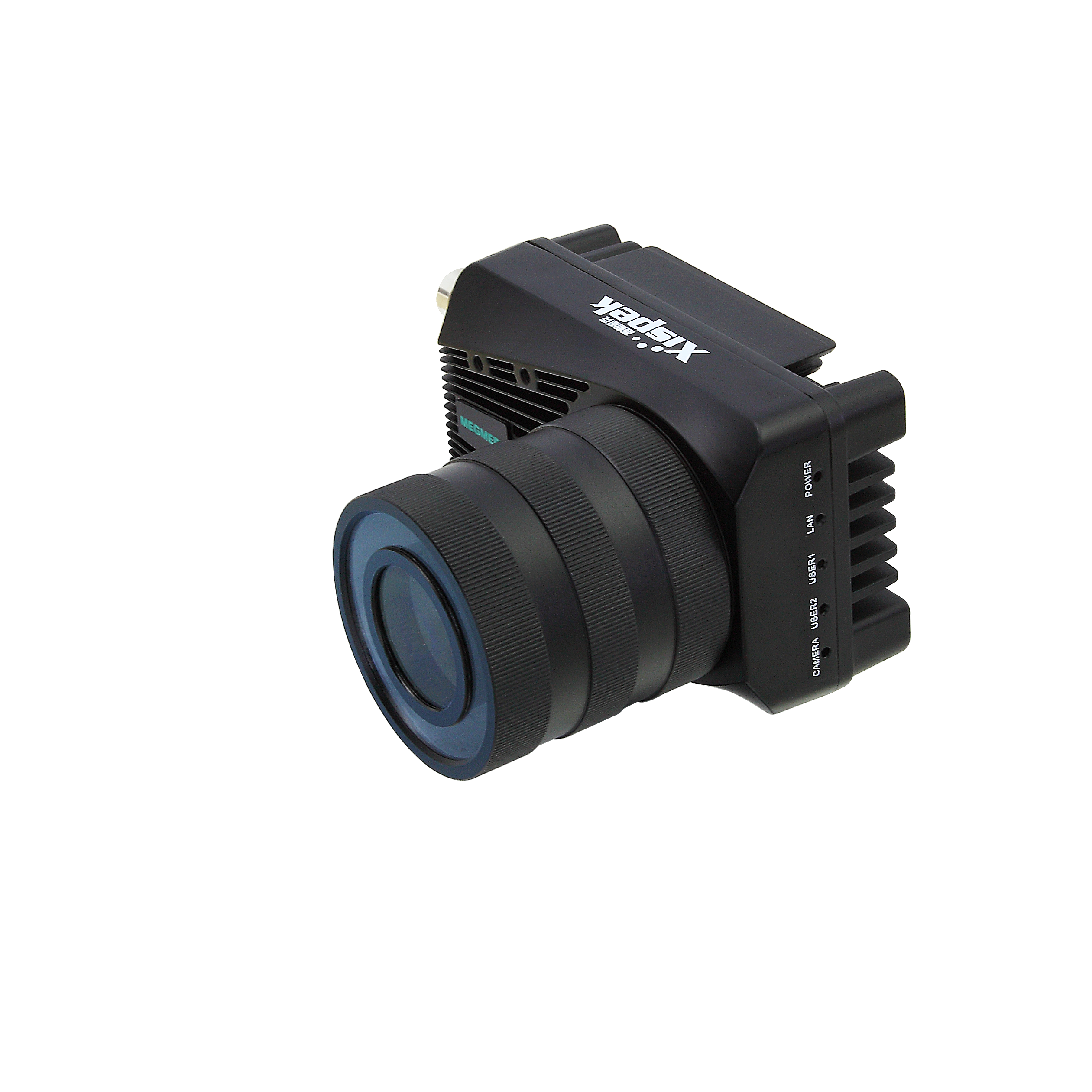
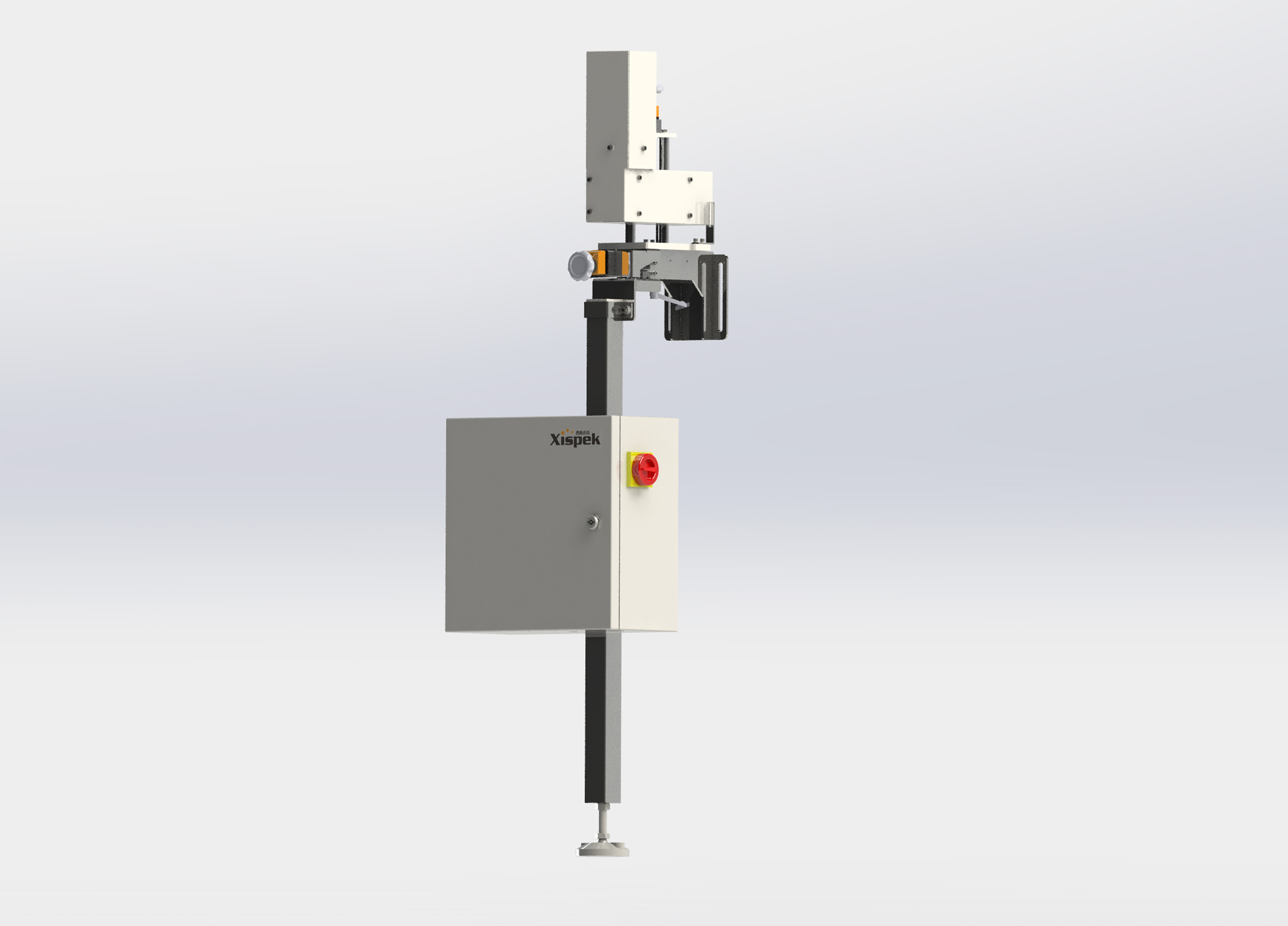
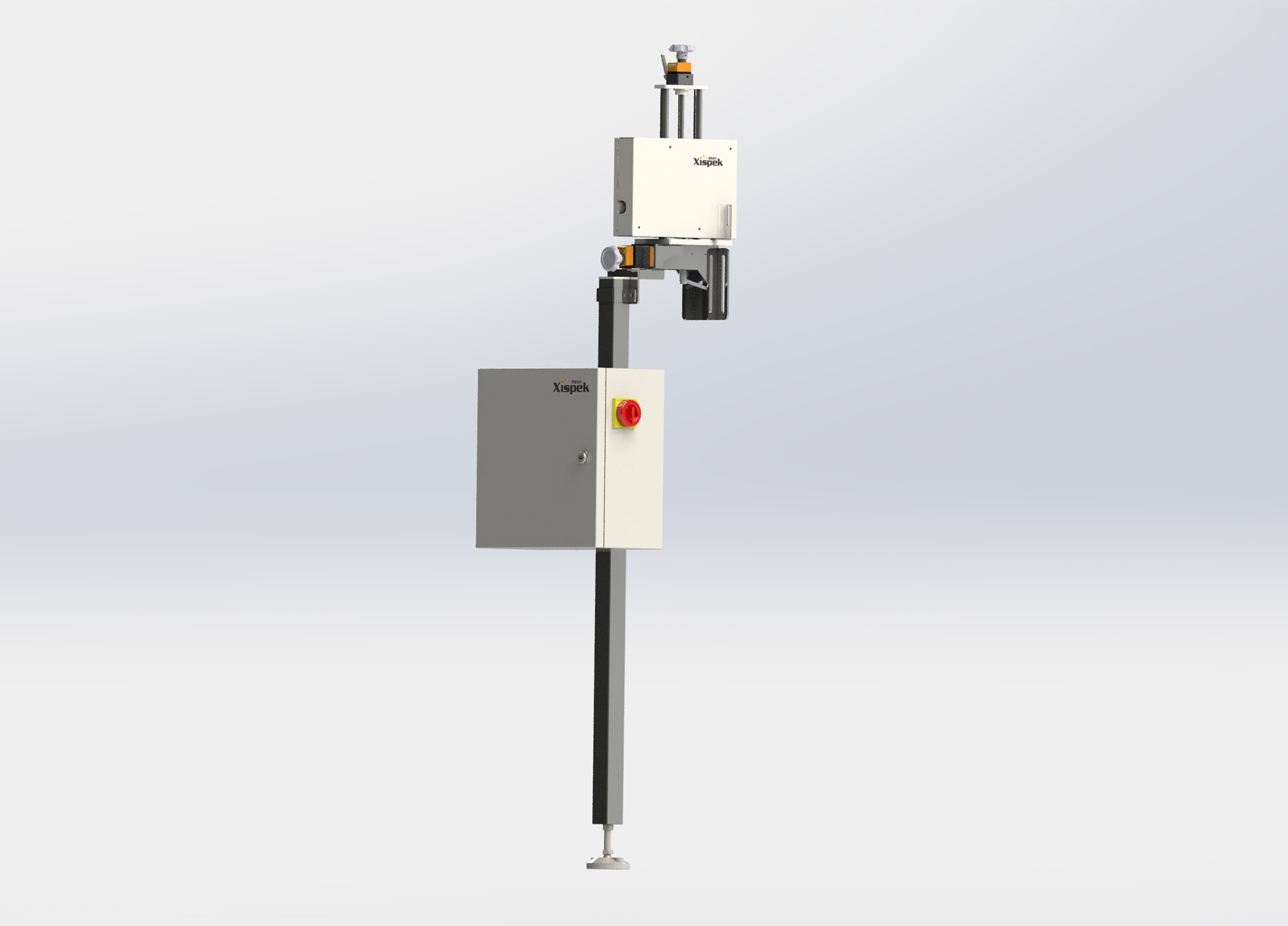
Can Bottom Inkjet Coding Inspection (VisCodia) is a system for inspecting inkjet codes on the bottoms of cans. It can detect various coding defects. Equipped with high-speed industrial cameras and the independently developed universal inspection software platform XispVision®, it achieves accurate and efficient code recognition and rejects non-conforming products.
|
Scope of application:
|
Installation position:
|
|
|
|
|
Power:
|
|
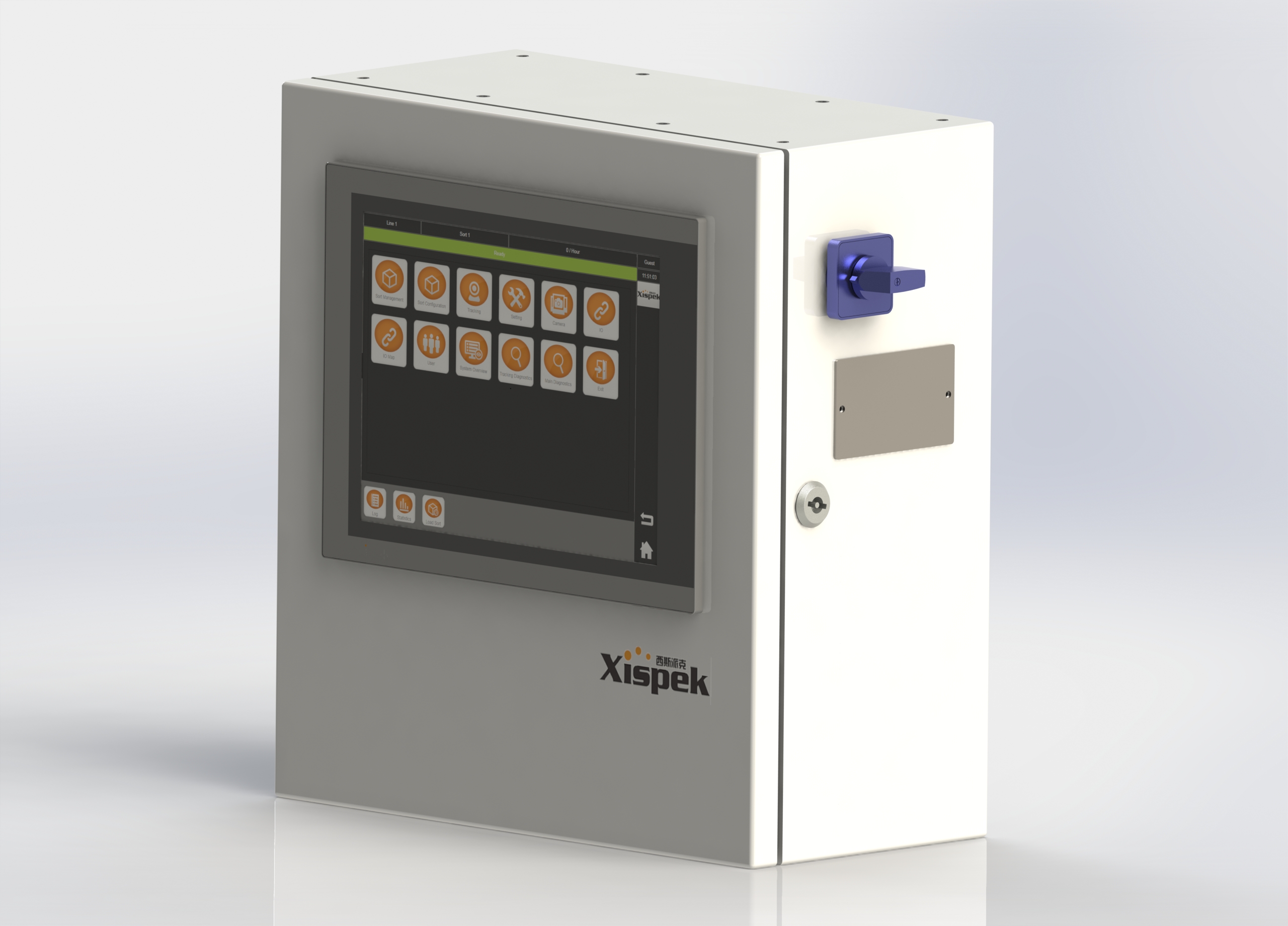
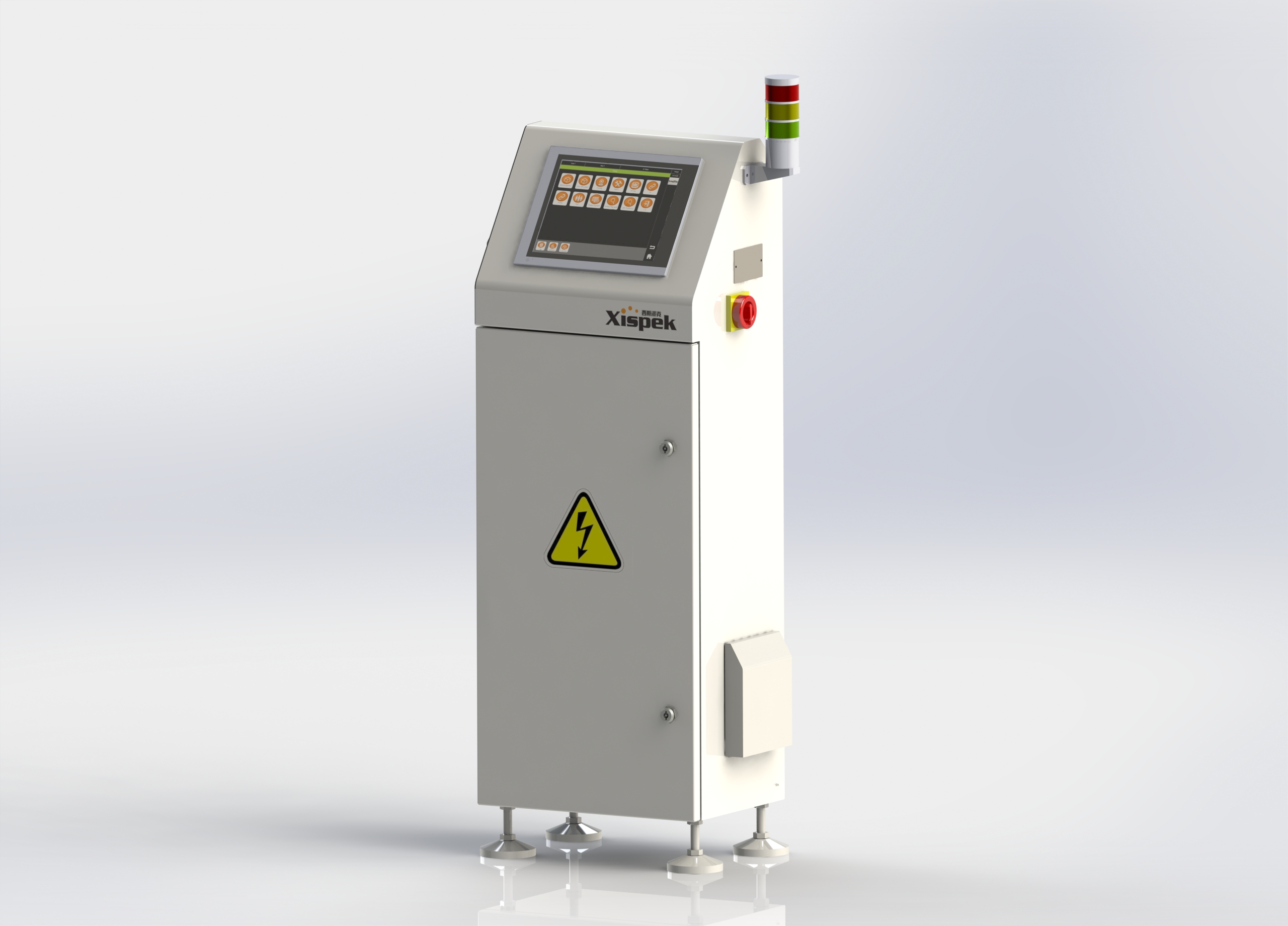
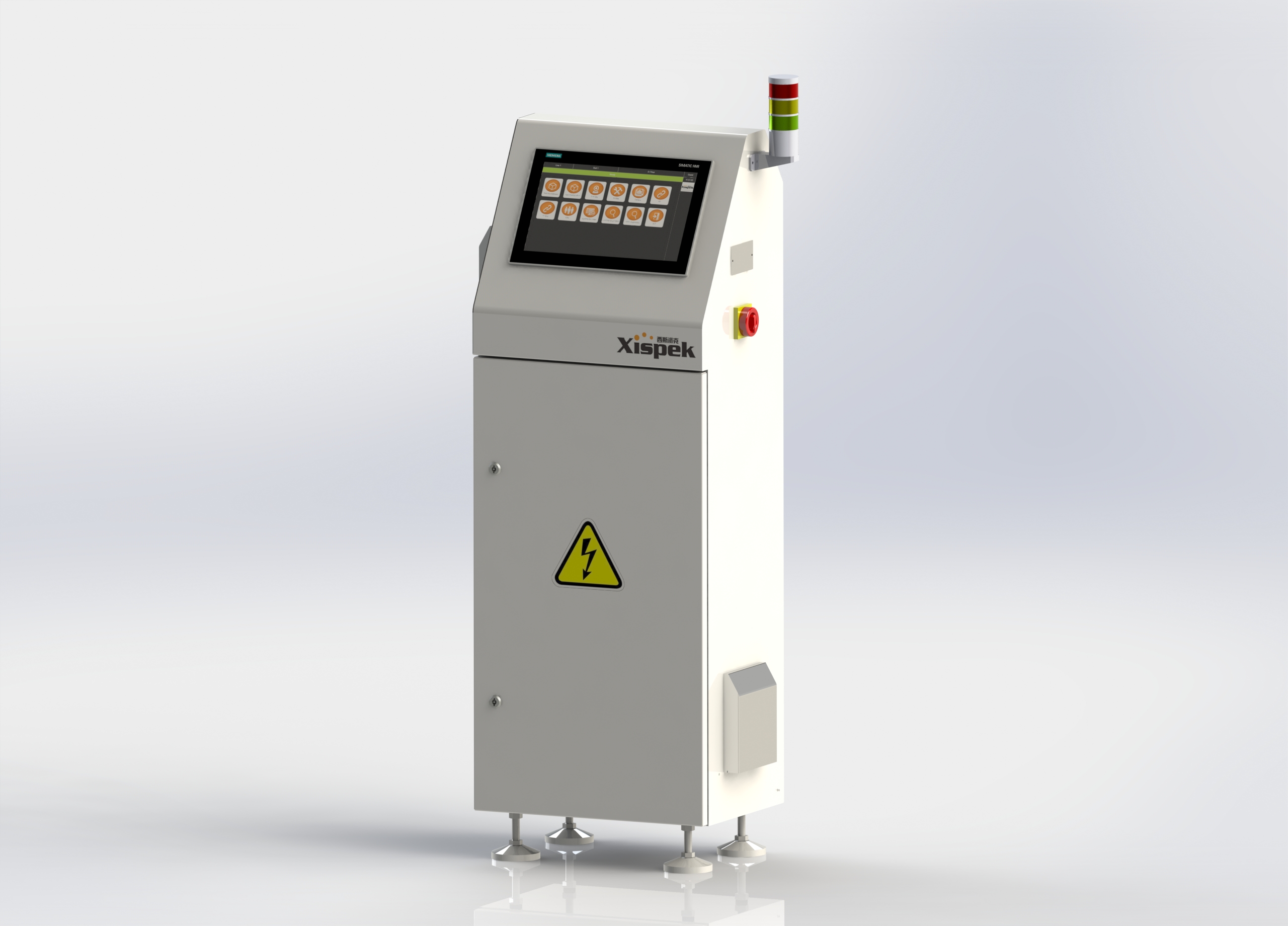
VisCodia for can bottom coding is a reliable and stable inspection device. Different control units can be selected according to actual production line speed, with a maximum inspection capacity of 90,000CPH.
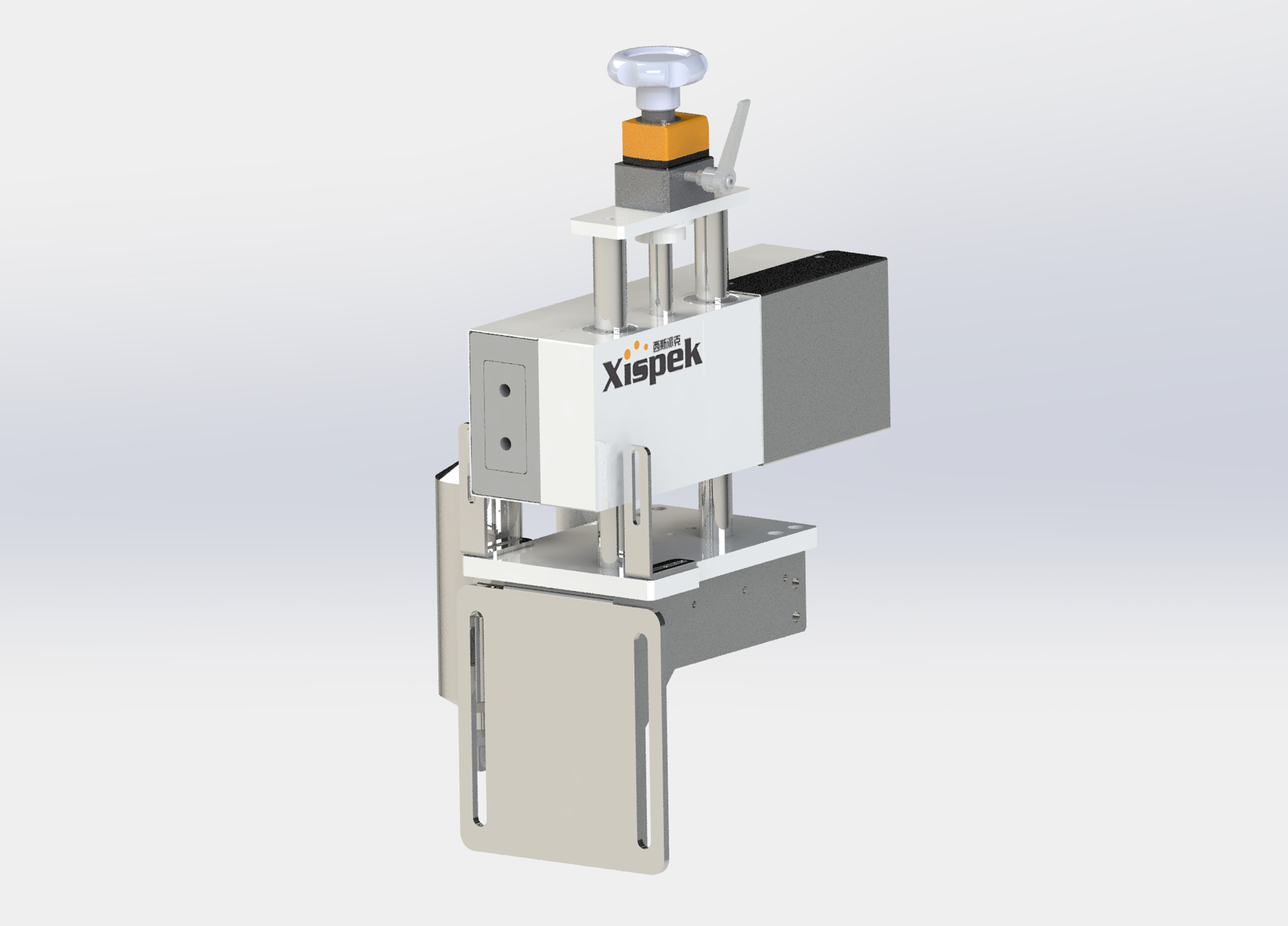
We adopt dedicated light sources tailored to different coding types to guarantee optimal inspection performance. The system accurately and efficiently checks the presence of codes, missing characters, production dates and shift marks, and automatically rejects defective products.
Furthermore, Xispek’s self-developed deep-learning AI inspection can also be applied for can bottom code marking inspection.
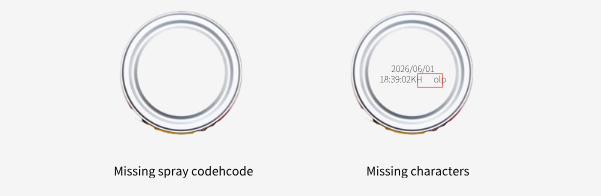
 Code presence
Character missing
Date recognition
Shift recognition
Barcode, 2D code reading
OCR
High rotational tolerance for containers
Compatible with all types of coders - inkjet and laser marking systems
Inspection module with IP65 protection level
Continuous alarm function prevents unnecessary stoppages and false rejects
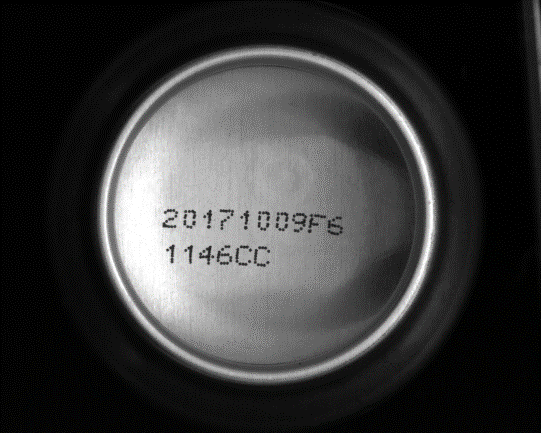
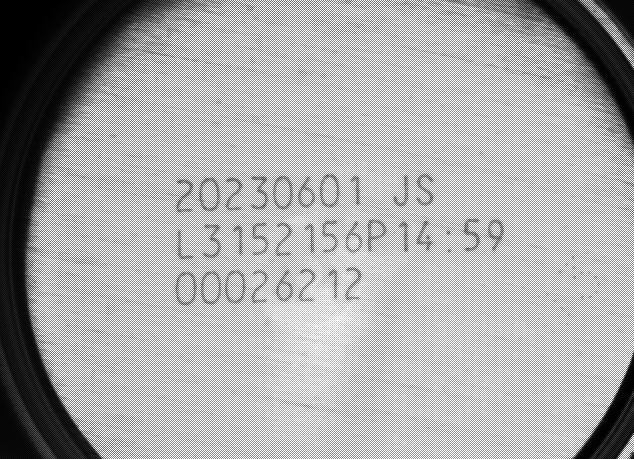
High-quality images are the foundation of reliable inspection, especially for can bottom inkjet codes. Common challenges include the curved surface of can bottoms, interference from mould numbers at the center, and dot-matrix printed characters.
We design customized light sources and optical paths based on coding types, can materials and bottom shapes. Special light sources eliminate reflections on curved can bottoms, maximize the contrast and recognizability between codes and backgrounds, and deliver clear, uniform images with minimal interference. This improves image processing accuracy and system stability, forming the core competitive advantage of Xispek.
The pictures below show actual inkjet code shots of two mainstream products.
|
 |
|
Inkjet Coding |
Laser Coding |
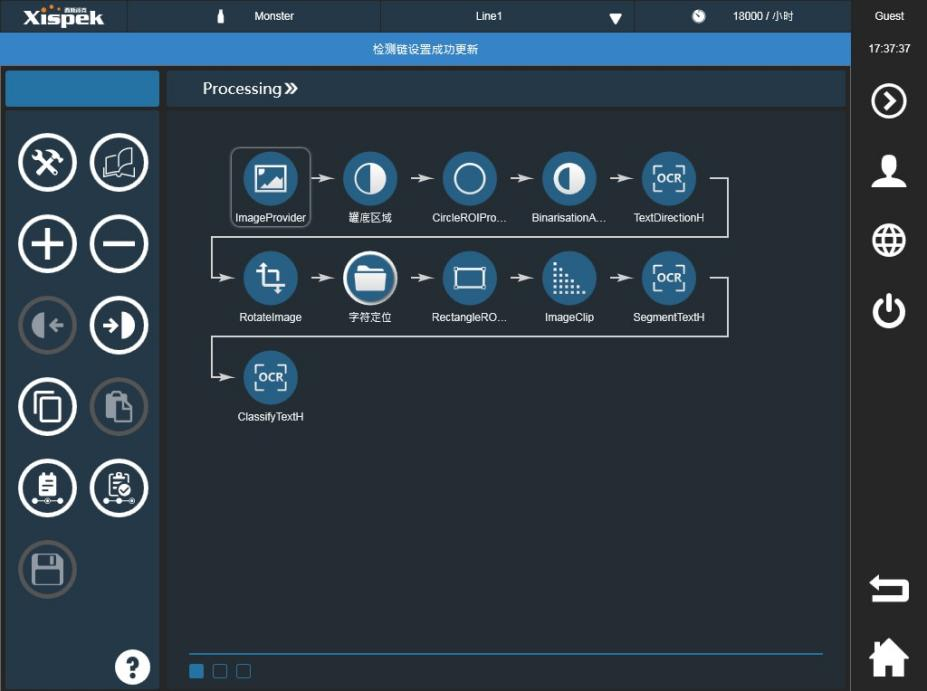
Can code image processing is divided into five main steps:
Finding the center of the can base
Text background segmentation
Orientation recognition and correction
Text segmentation
Text verification
The figure below illustrates the processing workflow for can bottom inkjet code inspection based on XispVision®, the independently developed software of Xispek.
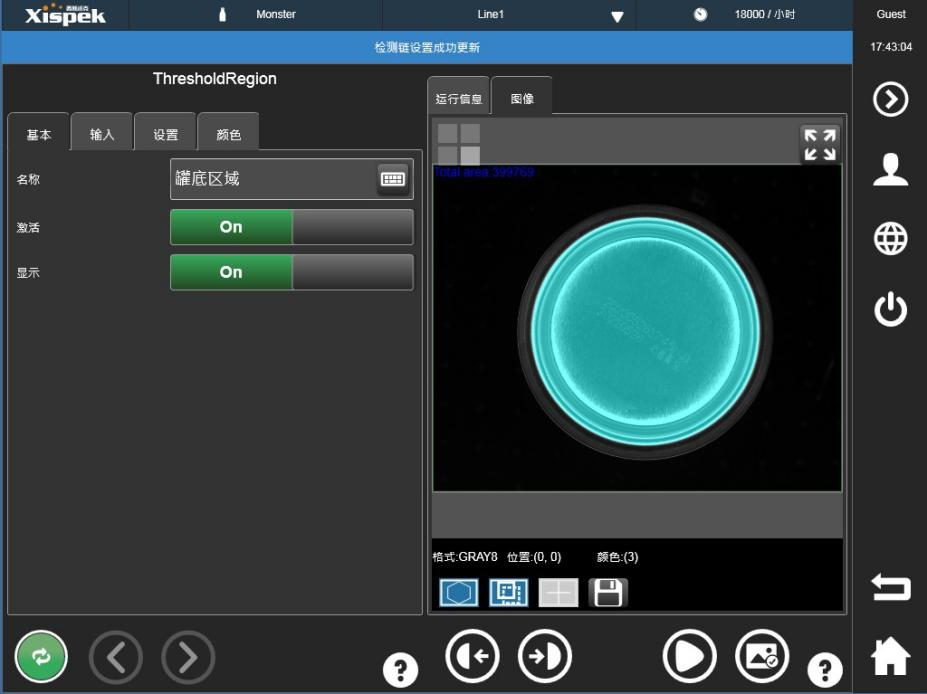
1.Finding the center of the can base
The first step of image processing is to accurately locate the can bottom. Only after defining the can bottom area can we pinpoint the inkjet code region for inspection. All subsequent regions of interest for image processing are referenced to the center of the can bottom. Images captured on production lines inevitably suffer from position deviation. Therefore, the system adopts a robust center-finding algorithm. As long as the can bottom stays within the field of view, the system can precisely locate the can bottom and inkjet codes, laying a solid foundation for accurate identification.
2.Text background segmentation
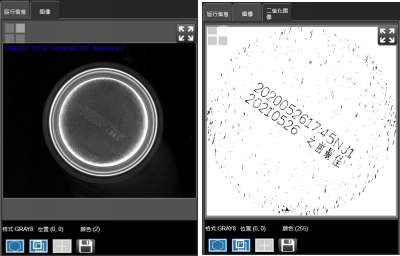
To facilitate subsequent character recognition, characters need to be fully separated from the background. Given the uneven illumination and grayscale across the entire can bottom, the system applies a locally adaptive binarization algorithm to intelligently distinguish characters from the background, as shown in the figure below.
This algorithm supports adjustable local contrast and sensitivity, delivering optimal results even under uneven lighting conditions.
3.Orientation recognition and correction
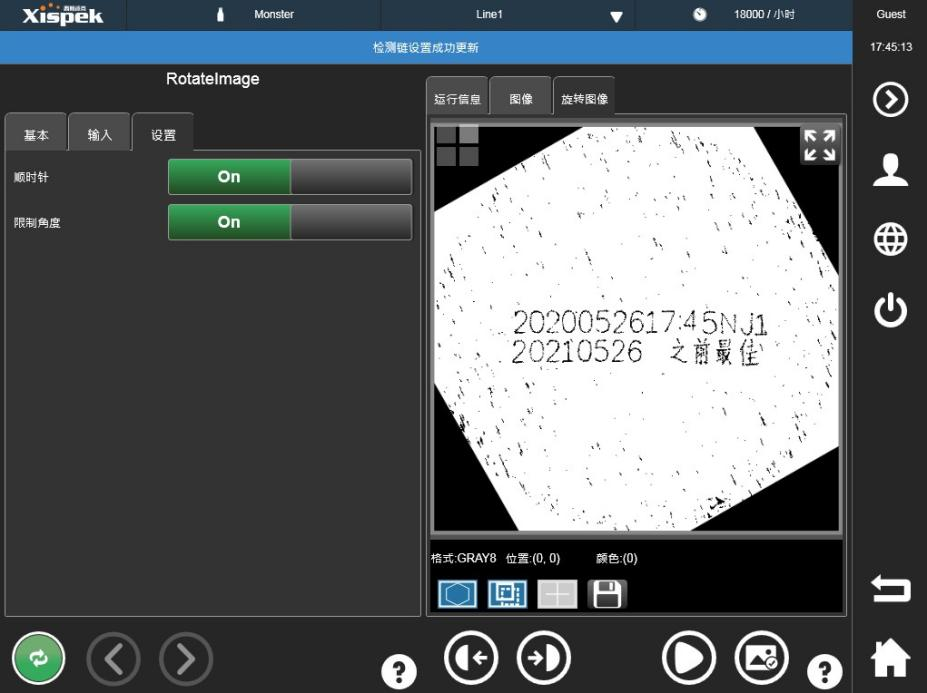
During installation, the inspection module is placed as close to the inkjet printer as possible to prevent excessive rotation of cans before reaching the inspection station. Even so, the position and angle of cans remain unstable during conveyance. Our algorithm can detect the orientation of characters and rotate them to the horizontal position. Inspection results will not be affected at all when the character rotation angle is within ±30°.
4.Text Segmentation
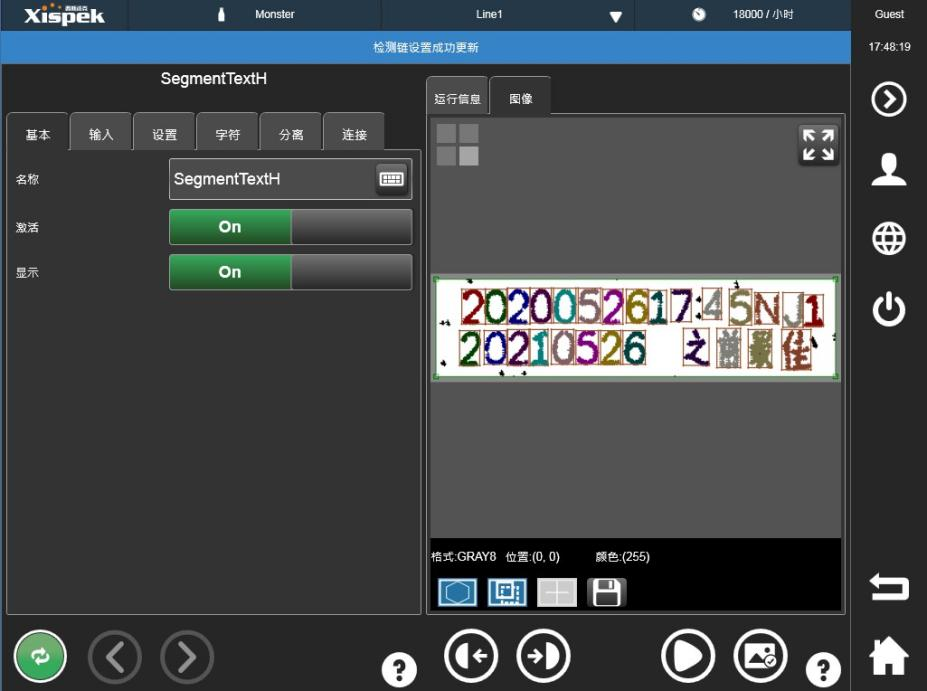
Character segmentation extracts individual character areas, which is critical for inkjet code verification, especially for OCR reading. After character orientation detection and correction, the inkjet code is further split based on the detected width and height of each character. This isolates every single character to facilitate subsequent verification. Metal textures on some aluminum cans cause substantial noise. Corresponding region-based algorithms and selection rules are applied during segmentation to suppress noise and ensure clear imaging.
5.Text Verification
Upon completion of character segmentation, inkjet codes can be inspected and verified. The algorithm evaluates codes by analyzing features such as character count and character area. XispVision® is also capable of reading production dates, best-before dates (BBD) and batch numbers. In practical operation, the OCR function is commonly combined with consecutive rejection alarms to minimize false rejects.
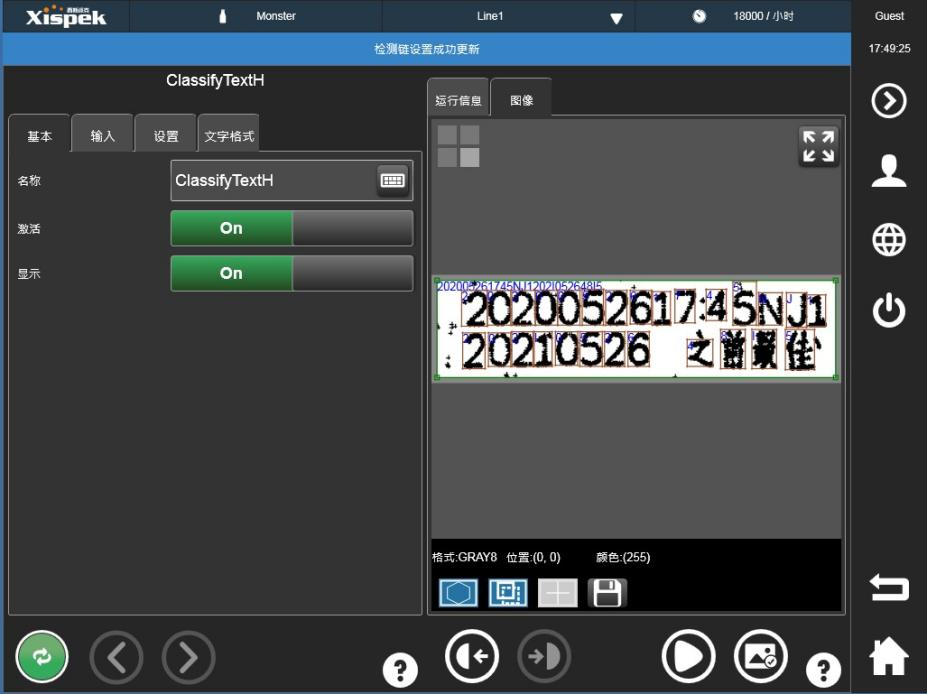
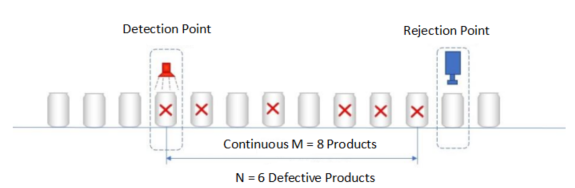
When the coding inspection system detects n incorrect coding data in m consecutive products, it triggers an alarm or reject command, where the values of m and n are set in the system according to the inspection and production conditions. For example, in the above figure, m is set to 8 and n is set to 6. When 6 or more defective products are detected in 8 consecutive products, an alarm will be triggered immediately to reject the signal.
The main advantage of continuous false alarms is:
Avoid production waste caused by date setting errors
Avoid unnecessary downtime and false rejects
Convenient setting, easy to use

Mr. Su:13912634161